Skip to Main Content
Disability Inclusion Posters & Social Graphics

Often companies in our corporate partner network ask for ways to build a culture of disability inclusion around physical workplaces, especially around key disability-related dates like Disability Employment Awareness Month (DEAM), Global Accessibility Awareness Day (GAAD), or International Day of Persons with Disabilities. These digital posters and social graphics are a great way to promote disability inclusion and raise awareness.
Download Posters & Social Media Graphics
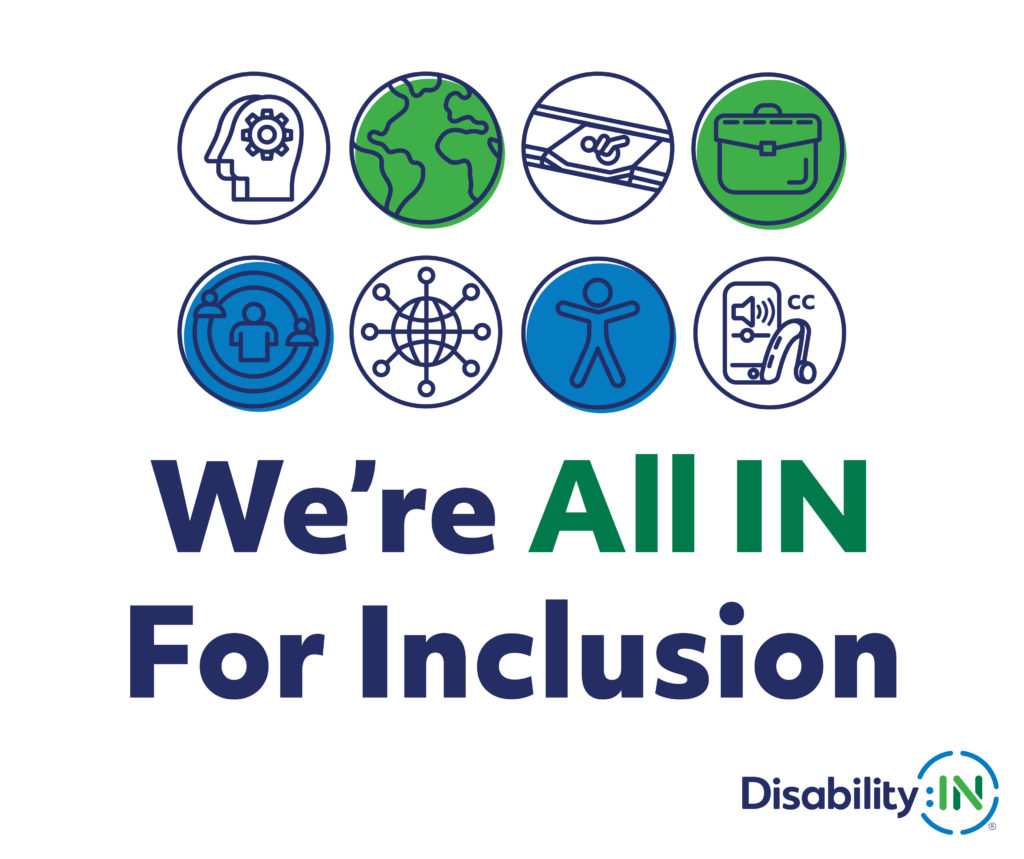
Sample Alt Text for Design 1: White design with eight disability inclusion icons and text that reads "We're All IN for Disability Inclusion." Disability:IN.

Sample Alt Text for Design 2: "You Belong" in white text against navy background featuring five diverse individuals with disabilities. Disability:IN.
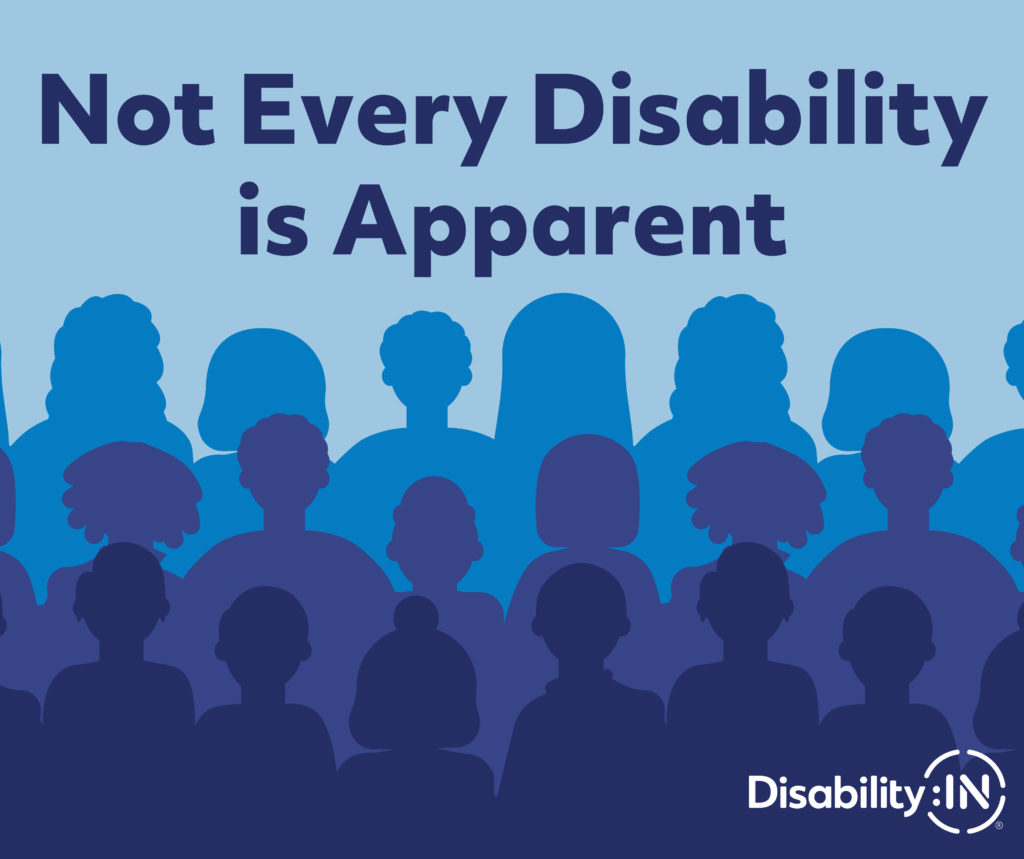
Sample Alt Text for Design 3: "Not Every Disability is Apparent" in navy text against light blue background with blue silhouettes of people. Disability:IN.
Alternative Text
Alternative Text (Alt Text) is a written description of an image. Adding Alt Text to all posts containing an image makes these posts accessible to those using screen readers.
- Facebook– Select your image(s) and compose your post, click the three dots in the upper right corner of the attached image. Click “Edit alt text” and add Alt Text. Click “Done” to save and publish the post. Watch the video tutorial on adding Alt Text on the Facebook mobile app at https://youtu.be/d9riy3RJNxU.
- Instagram– Add Alt Text “Advanced Settings” at the bottom of the “New Post” page. Add your Alt Text in the blank field and hit the blue checkmark in the upper right-hand corner to save before publishing. Watch the video tutorial on adding Alt Text on the Instagram mobile app at https://youtu.be/eQir9YwF7gM.
- LinkedIn– Start a new post and select your image(s). Select “Add alt text” in the bottom right corner of the footer menu. Add Alt Text in the blank field and hit “Next” to finalize and publish the post. Watch this video tutorial on adding Alt Text on the LinkedIn mobile app at https://youtu.be/msWPhf1y8s4.
Image Descriptions
While Alt Text is more high-level, Image Descriptions (IDs) are more detailed. Included in the captions of posts on Instagram, Facebook, and LinkedIn, Image Descriptions should include salient features and identities of individuals (gender, race, disability identity, etc.) as well as patterns and colors of clothing and environmental details. It is also a best practice to include video descriptions of the action and imagery shared in video posts. Image and video descriptions should always be used in addition to Alt Text, never as a substitute.
Access the Resource

Discover Disability-Related Dates